XD1+ SOFTWARE TUTORIAL

PLEASE NOTE

Before a Local Correction Factor can be calculated or applied, a minimum of five data sets, with at least four hours of sampling is required for comparison purposes. For accurate correction, ensure that the reference sample measurement duration matches the data collected from your XD1+. 

It’s recommended that when reference samples are taken alongside the XD1+ measurements, care is taken to consider sampling location, sampling distances and environmental influences – all of which can influence dust readings. 

ADDING A LOCAL CORRECTION FACTOR

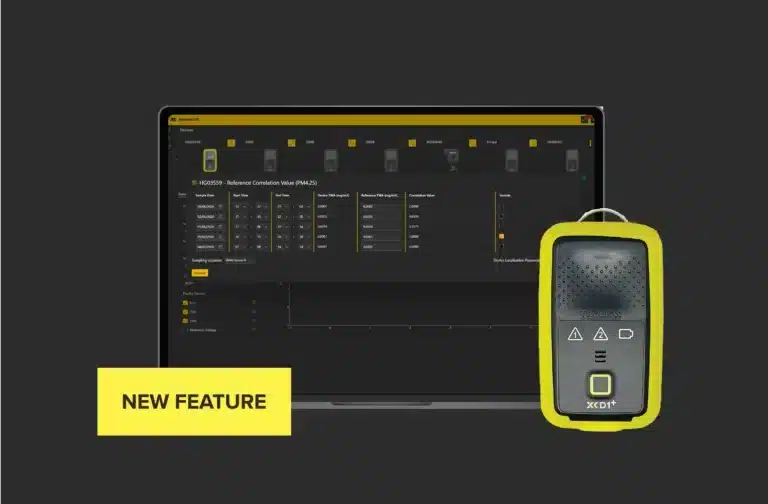
To add a Local Correction Factor, follow these steps:

  1. Navigate to the XD1+ device in the devices section and click on the Device button.  
  2. Select the Local Correction Factor button.  
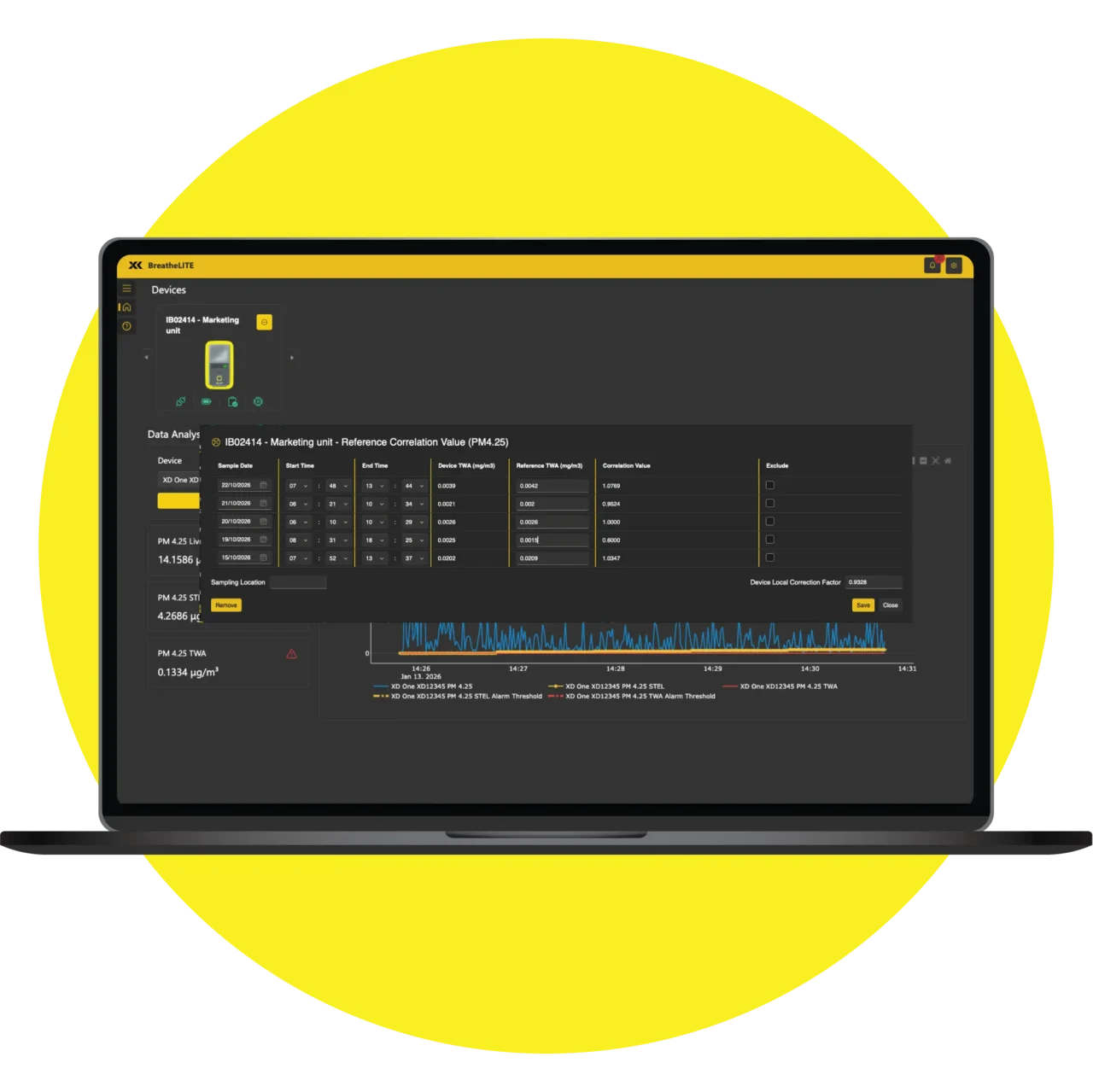
  3. For each sample data, enter the reference TWA value. The reference values need to be entered in mg/m3. 
  4. Ensure that the reference TWA values are accurately entered for each sample date to maintain the integrity of the Local Correction Factor. A reference TWA value can be excluded from the Local Correction Factor calculation if its deemed invalid or irrelevant for a particular sample date. 
  5. After entering the reference TWA values for each sample date, enter the Sampling Location.  
  6. Once all of the data has been added and any exclusions have been made, you can proceed to save the Local Correction Factor by clicking the save button.  
  7. The dialog box will then close and the XD1+ will now show that it has a Local Correction Factor. 
BreatheLITE Local Correction Factor tutorial: Adding a Local Correction Factor

REMOVING A LOCAL CORRECTION FACTOR

To remove a Local Correction Factor, follow these steps: 

  1. Navigate to the XD1+ device in the devices section and click on the Devices button.  
  2. From the menu that appears, select the Local Correction Factor to proceed with removing an existing Local Correction Factor. 
  3. Click on the Remove button in the bottom left section of the dialog. A dialog will then be displayed asking you to confirm the removal of the Local Correction Factor.  
  4. Click Yes to proceed and No to abort the removal. If you clicked yes, the Local Correction Factor will then be removed from the device. 
BreatheLITE Local Correction Factor tutorial: Removing Local Correction Factor

GOT PRODUCT QUESTIONS?

If the Trolex XD1+ STEL and TWA indicators are flashing red as shown below:

This means the Trolex XD1+ has detected an electronic failure of the internal memory. The XD1+ will alert the user and enter an error state.

If this happens, please contact our support team to raise a ticket.

AIR XD operates a protective thermal cut-out sequence when the temperature inside the instrument exceeds the maximum operating temperature of 45 °C.

This protective measure is in place to maintain the lifespan and operating functionality of the optical sensor assembly when the AIR XD is installed in environments with high ambient temperatures.

If the internal temperature of the instrument is suspected to be below -10°C, for example, if it has been left powered off for a period of time in a very cold environment, damage to the optical assembly may occur when power is applied.

Allow the instrument to reach safe operating temperature before applying power.

If all three device indicators are flashing red as shown below, this means the device has a non-recoverable operating error. 

If this is happening to your Trolex XD1+ device, please contact the Trolex service team to raise a new support ticket

Our AIR X Particulate Monitors don’t hold any of these accreditations.

No. The Group I manual states that the USB connector on the base of the equipment shall only be connected to the Trolex TX8805 AIR XD USB Drive in the hazardous area.

USB drives with no power source, such as standard USB sticks, may be connected to the USB connector in the safe area for test purposes.

AIR XD is designed to allow infrequent pressure washing during maintenance schedules, but the inlet cap must be closed first.

Keep an appropriate distance between the pressure washer and the instrument, and do not direct the water jet at the underside of the instrument because water must not enter the air flow path.

Yes. The AIR XD provides in and out RS485 terminals so multiple MODBUS devices can be daisy-chained.

Some network installations may require a termination resistor across RS485 lines A and B.

SEE MORE RESOURCES

PARTICULATE MONITORING

Image of TX8061 XD1+ Personal Dust Monitor
TX8061 XD1+ Personal Dust Monitor

Image of AIR X Software
AIR X Software

Image of TX8005 AIR XD Dust Monitor
TX8005 AIR XD Dust Monitor

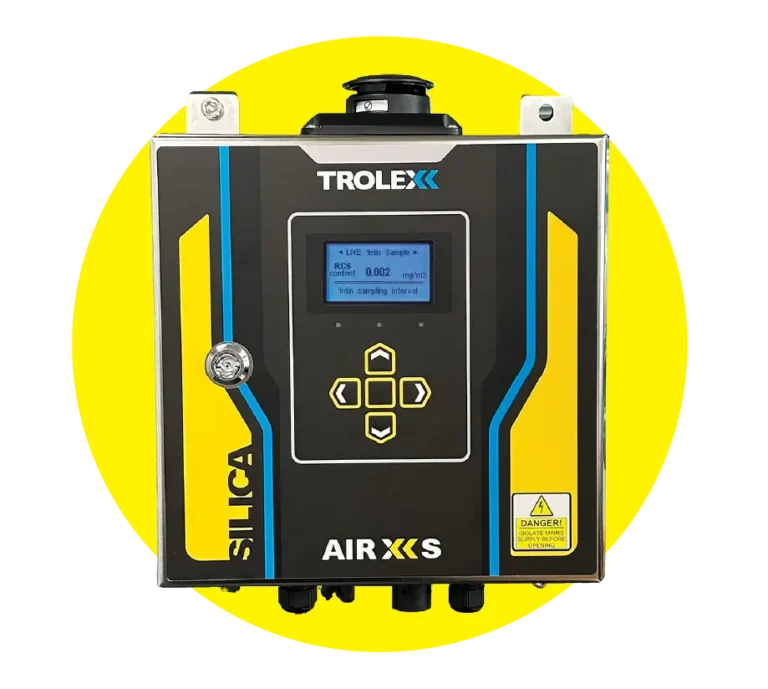
Image of TX8100 AIR XS Silica Monitor
TX8100 AIR XS Silica Monitor

AIR X NEWS + CASE STUDIES

GET AIR X NEWS + UPDATES

    You may unsubscribe from these communications at any time. For more information on how to unsubscribe, our privacy practices, and how we are committed to protecting and respecting your privacy, please review our Privacy Policy.