Real-time area dust monitoring, personal dust monitoring and silica monitoring can provide safety for workers in multiple ways. There isn’t a one-size-fits-all approach for how it’s required to be used, and the benefits can differ depending on who’s using it. No matter what industry, location or workplace it’s being deployed, real-time monitoring can protect your workers if there’s airborne dust at present.
Here’s 5 effective ways of deploying AIR X real-time particulate monitoring to your operations.
The ability to know in real-time when dust exposure limits are breached and to see all the data your real-time dust monitor picks up throughout your working day allows you to find the root of your dust problem. With Audio/Visual alarms and live readings for dust level breaches, you can deduce exactly which processes are causing excess dust levels. Similarly, by viewing data over full shifts and seeing when dust levels are highest, you can deduce what processes were completed at that time, to find the root of your dust problem. By finding the root of your dust problem, effective control measures can then be introduced.
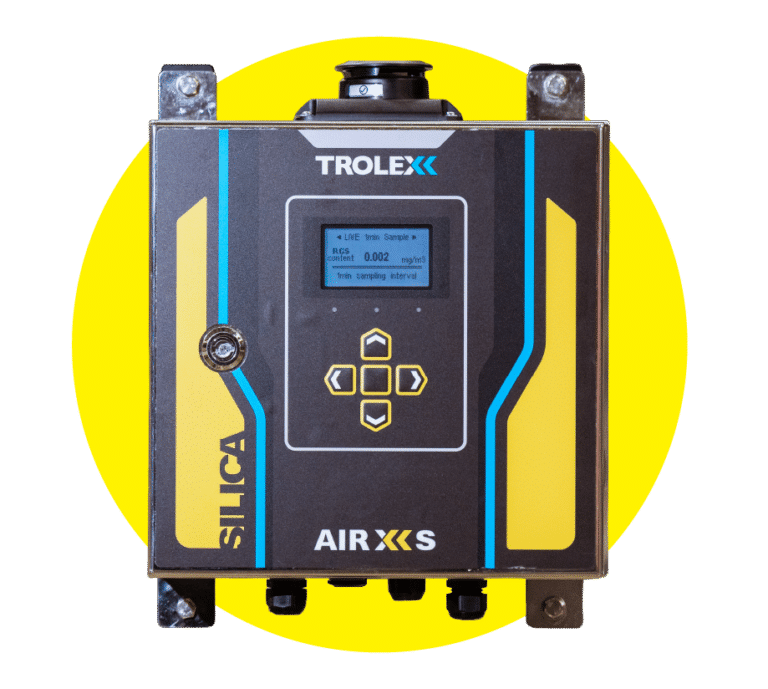
AIR X real-time particulate monitors have a single-user configurable Audio/Visual alarm that can be used to warn users of a specific particulate threshold breaches based on a chosen limit or value. For example, in the UK, the Workplace Exposure Limit for Respirable Crystalline Silica is 0.1 mg/m3 over an 8-hour period. A customisable alarm set on your Trolex AIR XS Silica Monitor will alert you in real-time if the threshold is breached during your working day. This allows you and your workforce to work as normal throughout your day, knowing that you’ll be alerted as soon as you’re set limits are breached.
AIR X real-time particulate monitoring technology can be deployed as either fixed, area or personal monitoring, so workers in any location of your workplace can monitor for dust in real-time. Deploying a combination of Trolex real-time personal dust monitoring, area dust monitoring and real-time silica monitoring across your workplace operations allows for all areas of the workplace to consistently monitor for excess dust, as well as deduce which areas of the workplace are at higher risk of dust exposure.
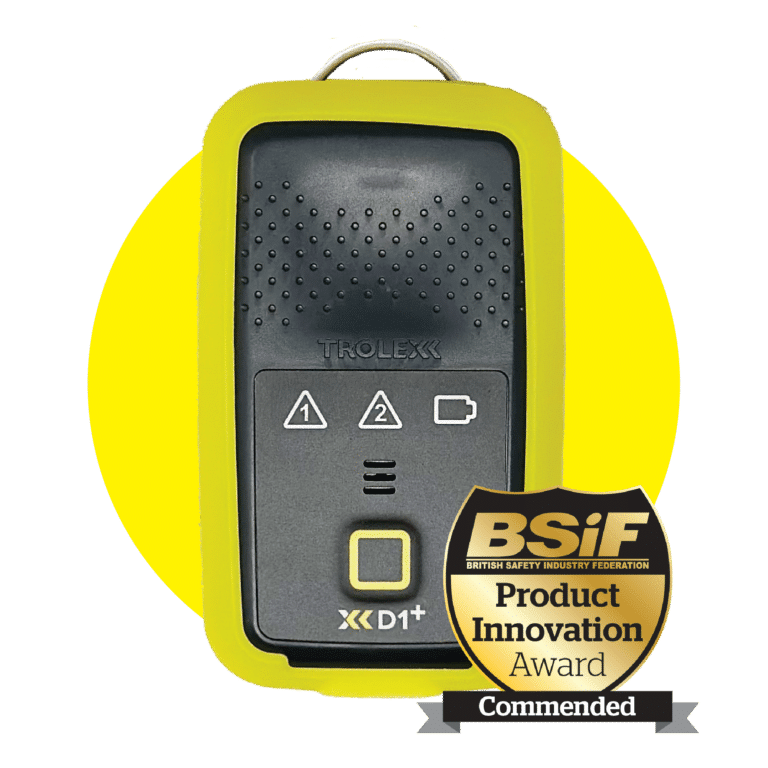
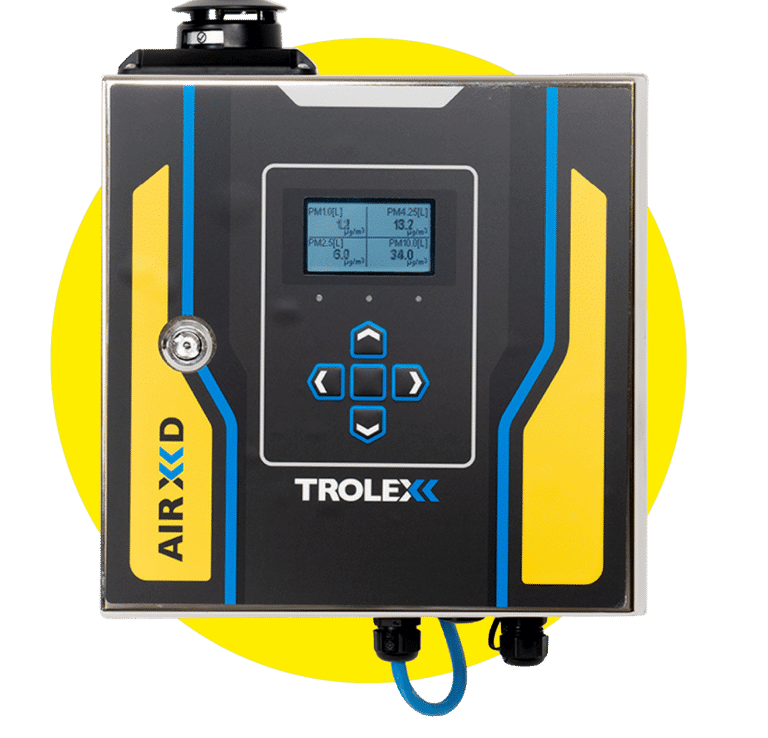
All our AIR X technology has supporting software to view all live and historical data. Breathe Software for AIR XD, BreatheXS for AIR XS and BreatheLITE and BreatheMOBILE for XD1+ allows you to view data as it happens and view up to 10-years’ worth of data, so you can consistently track any changes as they happen over time. By viewing all the data your dust monitor picks up, you can see when dust levels peak and from this deduce the most effective control measures that need to be introduced in line with what process cause the spike and where this was occurring.
The ability to know in real-time when dust exposure limits are breached and to see all the data your AIR X particulate monitor picks up throughout your working day means you can work in-line with the Hierarchy of Controls, to eliminate or substitute the hazard, and introduce control measures for excess dust. By finding the root of your dust problem through real-time dust monitoring, you can not only introduce dust control measures to eliminate or reduce exposure to dust but can also effectively monitor your control measures to see how effective they’re working, and make vital and supported business decisions if further changes are required.
Knowing you have a dust problem is one thing. Being able to do something effective about the problem is another. Thanks to Trolex real-time AIR X particulate monitoring technology, all the data collected can be accessed, viewed and interrogated to make vital business decisions and actively protect you and your worker’s health.
Here’s 5 effective ways of using our AIR X particulate monitoring software.
The ability to see dust levels in real time allows all workers to deduce whether you, your workers and your occupational environments are safe. Respirable dust is smaller than 10 μm meaning it’s invisible to the human eye, yet it’s so finite that it can easily be breathed in and penetrate the lungs. You may be breathing in respirable dust and putting your respiratory health at risk without even knowing it. But with real-time dust data, you can know exactly how much dust you’re exposed to throughout your working day and introduce the necessary steps to protect your respiratory health.
Real-time dust data isn’t just available for live readings in real time. Compatible with all our real-time monitoring technology, our AIR X software allows you to visualise the data your AIR X particulate monitor picks up, so you can track trends in the dust levels your workers are exposed to over a period of time in your working day, week, month or year to determine whether you and your workers have been exposed to potentially hazardous substances over that period.
Our dedicated AIR X software allows you to personalise all the relevant settings for your Trolex real-time particulate monitor. By alerting you to dust levels relevant to your local legislative dust limits, AIR X real-time monitoring technology ensures all real-time data is effective and valuable to whatever occupational environment you are working in. AIR X software lets you set dust levels specific to your environment and workplace to ensure you’re constantly monitoring for dust levels in the most effective way possible.
Our real-time dust data allows you to see trends in your dust levels over a personalised time periods and subsequently introduce vital control measures to effectively manage and control dust. AIR X software ensure you can determine at what time peak dust levels occurred during your working day and deduce what activities were taking place during this time, so you can introduce relevant and effective control measures to prevent future dust from becoming airborne at this time.
After introducing control measures, you can continue to use real-time dust data through AIR X software to see how effective these control measures are in controlling dust. If you can’t continually track dust levels over time, it’s impossible to know if your control measures are working effectively, which could cost money, time and most importantly harm your health and wellbeing. However, thanks to AIR X software, you can see how dust levels are affected by introducing control measures and subsequently make vital decisions to continue to control dust exposure.
Where it’s not possible or reasonably practical to completely prevent exposure to hazardous dust in your workplace, implementing control methods during dusty processes can help reduce your exposure to dust in the workplace. This short guide will look at effective control methods as well as the Hierarchy of Controls, with 5 effective ways to control dust in your workplace.
By segregating processes which produce large volumes of dust, you can control the amount of dust your workers are exposed to. In some cases, it may even be possible to make the process entirely automated, meaning no workers are exposed to dust. Introducing a remote operation, e.g. a separate room or section within a facility meaning workers completing the dusty process never directly come into contact with the excess dust created. This process means that if workers have to complete a task which is likely to create excess hazardous dust, they spend as little, or if possible, no time exposed to the dust.
In cases where segregation isn’t possible, extraction is an option to control excess dust. Local Exhaust Ventilation (LEV) systems can be built into machines or processes which create excess dust. LEV and extraction systems collect contaminants like dust and filter out the contaminants before they’re released into the air. This process can be used for multiple processes within the workplace such as storage bins, grinding mills, conveyors, mixing machines and many more, ensuring that when excess dust is created it does not come into direct contact with workers during these processes.
Using less-hazardous materials, where applicable, is another suitable method for controlling dust exposure in your workplace. For example, using natural stone as opposed to engineered stone in worktop manufacturing or using pellets rather than powders can allow workers to produce a similar end product during workplace processes whilst minimising risk of dust exposure. By substituting out materials for less hazardous alternatives, workers can continue their processes throughout the day, at less, or almost no risk to their respiratory health.
Avoiding dry methods across the workplace such as dry sweeping, drilling or cutting, not only reduces dust generation, but also make maintenance across the workplace more effective. Dry methods of cutting create high levels of fine airborne dust, whilst dry sweeping when cleaning spreads further settled dust also making it airborne. Alternatively, the use of wet methods helps reduce the amount of dry and airborne dust generated during workplace activities. For example, damping down materials which create high levels of dust such as stone and concrete, and later using water suppression processes for cleaning, ensures airborne dust is limited due to the particles binding together when wet.
Excess dust is a consist problem in workplaces where highly dusty processes occur, especially if it is not possible to completely eliminate the risk of dust. By maintaining cleanliness, encouraging workers to work with care and instructing them how to control the dust produced in their work processes by following the methods mentioned, control of dust can become a regular process in the workplace.