General
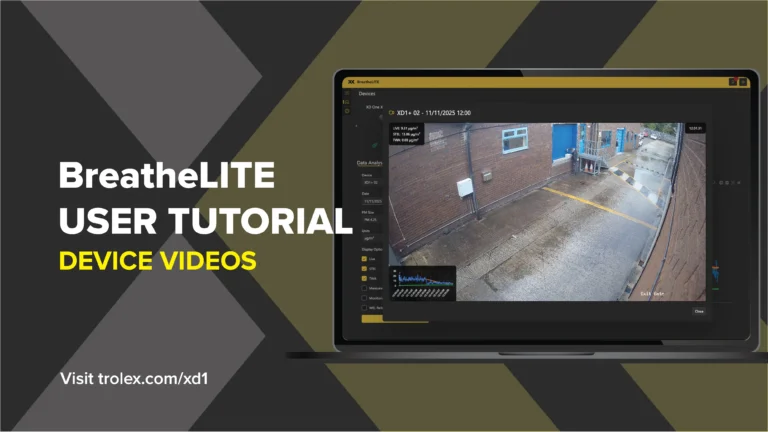
BreatheLITE: Device videos
Read More

By default, BreatheLITE will automatically discover devices when they are plugged into the computer.


Manually add a device


You can download BreatheLITE here.
Connect XD ONE to BreatheLITE. Users can configure device name, COM port, operating mode, alarm PM size, TWA period and threshold, STEL period and threshold, log rate, and particle density.
Use the BreatheLITE in-application help for detailed setup guidance.
Connect XD1+ to BreatheLITE. The software allows configuration of device name, COM port, operating mode, alarm PM size, TWA period and threshold, STEL period and threshold, log rate, and particle density.
Use the BreatheLITE in-application help for detailed configuration steps.


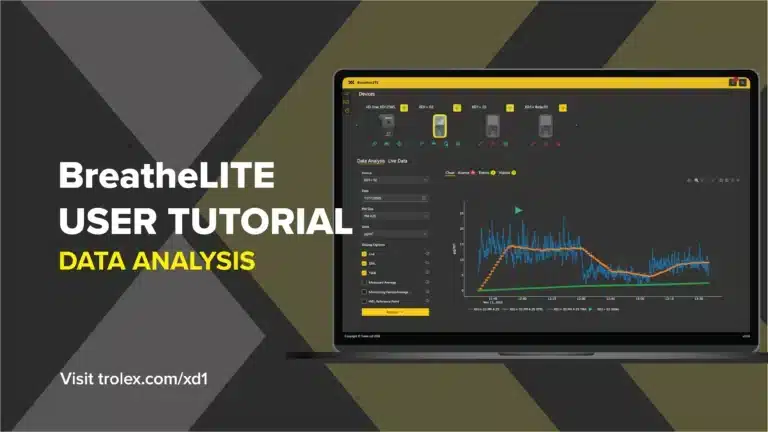
Connect XD ONE to the BreatheLITE application. Captured particulate data can be downloaded, reviewed, and analysed through the BreatheLITE data analysis tool set.
The manual also notes that Live readout mode streams live particulate data while data is logged to internal memory.
Connect XD1+ to the BreatheLITE application. The device is designed to collect particulate data during operation for download, review, and analysis through the BreatheLITE data analysis tools.
The multiway data and charging dock can connect up to five XD1+ devices for charging and data collection.
This fault means corruption was detected in the XD ONE settings.
The device automatically reverts to factory defaults and continues operation, so check and reapply required configuration in BreatheLITE.
In a recoverable operating error, XD ONE logs the event and automatically takes appropriate action to resolve it.
After recovery, check previous data capture and device settings before continued operation. User configuration may need to be redefined in BreatheLITE.
Data-log mode captures readings like Normal mode, but does not check them against alarm thresholds and does not trigger on-device warnings.
It is intended for passive monitoring where data is downloaded later and analysed in BreatheLITE.
XD ONE provides Normal, In-cab, Data-log, and Live readout modes.
Normal mode records data and checks alarm thresholds; In-cab keeps sensing active while powered via USB; Data-log records without triggering warnings; Live readout streams live particulate data to BreatheLITE while also logging data.
XD ONE defaults include operating mode Normal, alarm PM size PM4.25, TWA period 8 hours, TWA threshold 1000 µg/m3, STEL period 15 minutes, STEL threshold 1000 µg/m3, log rate 10 seconds, and particle density 1.65 g/ml.
Default settings can be manually changed with Trolex BreatheLITE.
XD ONE is a portable dust monitor designed to provide data on airborne particulates so users can take action in relation to particulate-related health hazards.
It can monitor selected PM sizes and TSP, display STEL and TWA audio-visual alarm warnings, log data on device, and connect to BreatheLITE for live readings and analysis.
The XD1+ and XD ONE manuals describe 3-monthly compliance checks using the Trolex Compliance Pack+ and BreatheLITE automated test routine.
The check uses reference material dosed into the particulate dispersion hood while the device is positioned in the compliance base.
This fault means corruption was detected in the XD1+ settings.
The device automatically reverts to factory defaults and continues operation, so custom configuration should be checked and reapplied in BreatheLITE as needed.
In a recoverable operating error, XD1+ logs the event and automatically takes action to resolve it.
After notification of recovery, check previous data capture and device settings before continuing. User settings may need to be redefined in BreatheLITE.
When Trolex releases updated operating firmware and instructions, connect XD1+ to BreatheLITE to perform the local update.
Trolex provides notification, release notes, and update instructions for the latest firmware.
Data-log mode follows Normal mode data capture behaviour, but readings are not checked against alarm thresholds and on-device warnings do not trigger.
It is intended for passive monitoring where data is downloaded and analysed later in BreatheLITE.
XD1+ has four selectable operating modes: Normal, In-cab, Data-log, and Live readout.
Normal mode captures data and checks alarms; In-cab keeps sensing and warnings active while powered via USB; Data-log records without warning alarms; Live readout streams live particulate data to BreatheLITE via USB.
XD1+ defaults include operating mode Normal, alarm PM size PM4.25, TWA period 8 hours, TWA threshold 1000 µg/m3, STEL period 15 minutes, STEL threshold 1000 µg/m3, log rate 10 seconds, and particle density 1.65 g/ml.
Default settings can be changed using Trolex BreatheLITE and BreatheMOBILE.
XD1+ is a personal wearable dust monitor designed to provide real-time data on airborne particulate levels and warn users about harmful personal exposure in working environments.
It displays measurement information through custom STEL and TWA audio-visual alarms and supports data analysis with BreatheLITE and BreatheMOBILE software.
The XD1+ and XD ONE manuals describe 3-monthly compliance checks using the Trolex Compliance Pack+ and BreatheLITE automated test routine.
The check uses reference material dosed into the particulate dispersion hood while the device is positioned in the compliance base.
Filter by: