LIVE DATA MONITORING
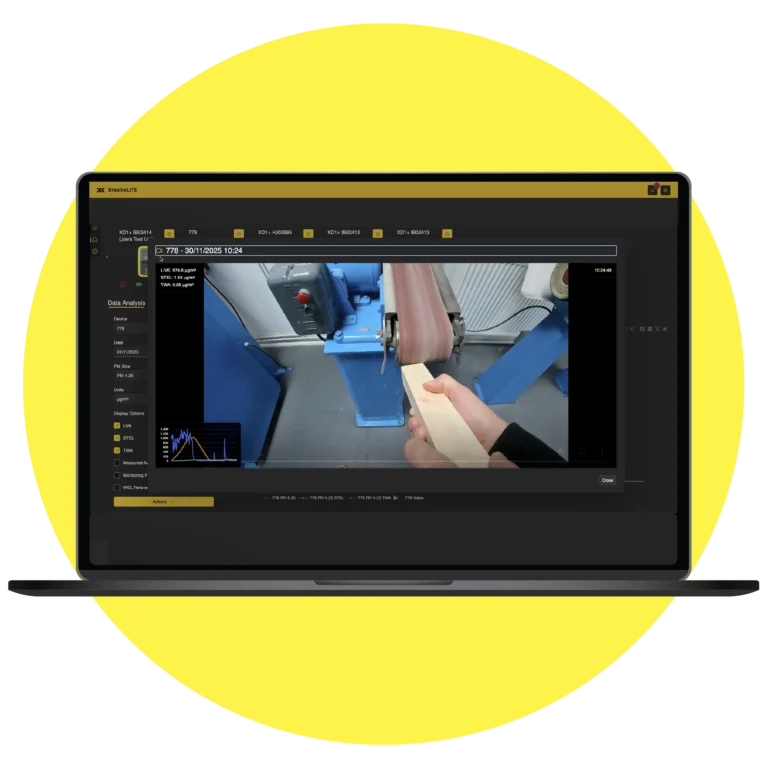
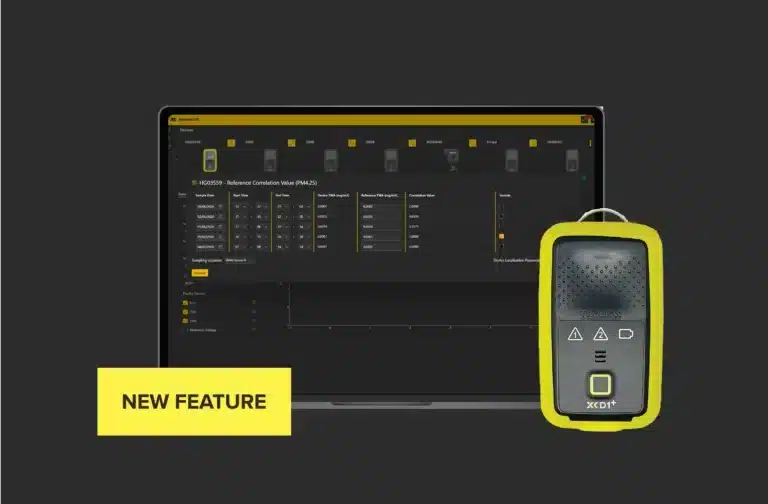
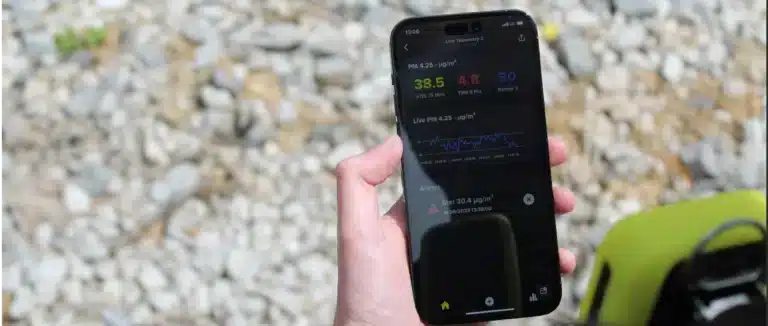
The Live Data Monitoring feature within BreatheLITE allows you to view real-time Live, Short-Term Exposure Limit and Time-Weighted Average particulate matter readings from your XD1+ connected device, for instant data updates.

The Live Data Monitoring feature within BreatheLITE allows you to view real-time Live, Short-Term Exposure Limit and Time-Weighted Average particulate matter readings from your XD1+ connected device, for instant data updates.
Live data monitoring allows you to view real-time Live, STEL and TWA particulate matter readings from your connected device. To start live data monitoring for your device:
If the Trolex XD1+ STEL and TWA indicators are flashing red as shown below:

This means the Trolex XD1+ has detected an electronic failure of the internal memory. The XD1+ will alert the user and enter an error state.
If this happens, please contact our support team to raise a ticket.
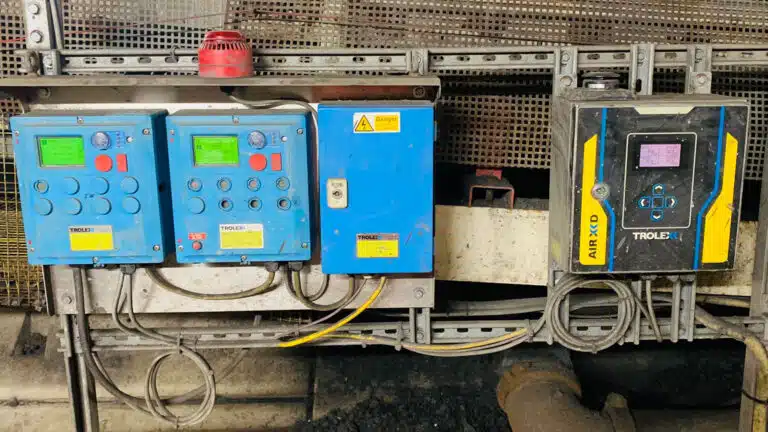
AIR XD operates a protective thermal cut-out sequence when the temperature inside the instrument exceeds the maximum operating temperature of 45 °C.
This protective measure is in place to maintain the lifespan and operating functionality of the optical sensor assembly when the AIR XD is installed in environments with high ambient temperatures.
If the internal temperature of the instrument is suspected to be below -10°C, for example, if it has been left powered off for a period of time in a very cold environment, damage to the optical assembly may occur when power is applied.
Allow the instrument to reach safe operating temperature before applying power.

If this is happening to your Trolex XD1+ device, please contact the Trolex service team to raise a new support ticket
Our AIR X Particulate Monitors don’t hold any of these accreditations.
No. The Group I manual states that the USB connector on the base of the equipment shall only be connected to the Trolex TX8805 AIR XD USB Drive in the hazardous area.
USB drives with no power source, such as standard USB sticks, may be connected to the USB connector in the safe area for test purposes.
AIR XD is designed to allow infrequent pressure washing during maintenance schedules, but the inlet cap must be closed first.
Keep an appropriate distance between the pressure washer and the instrument, and do not direct the water jet at the underside of the instrument because water must not enter the air flow path.
Yes. The AIR XD provides in and out RS485 terminals so multiple MODBUS devices can be daisy-chained.
Some network installations may require a termination resistor across RS485 lines A and B.