XD1+ SOFTWARE TUTORIAL

THE FEATURES

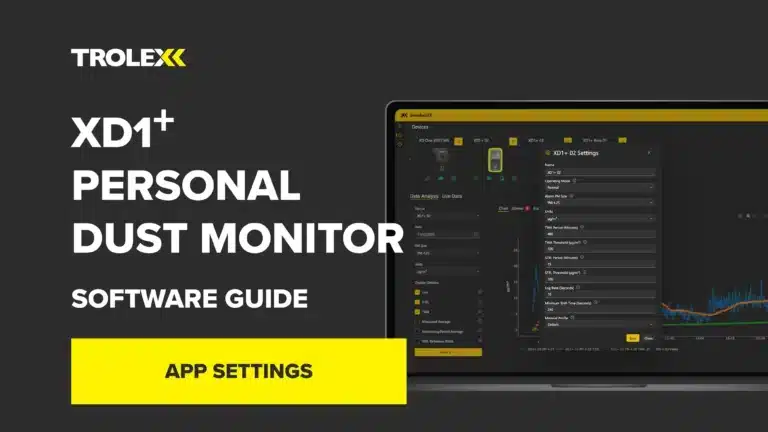
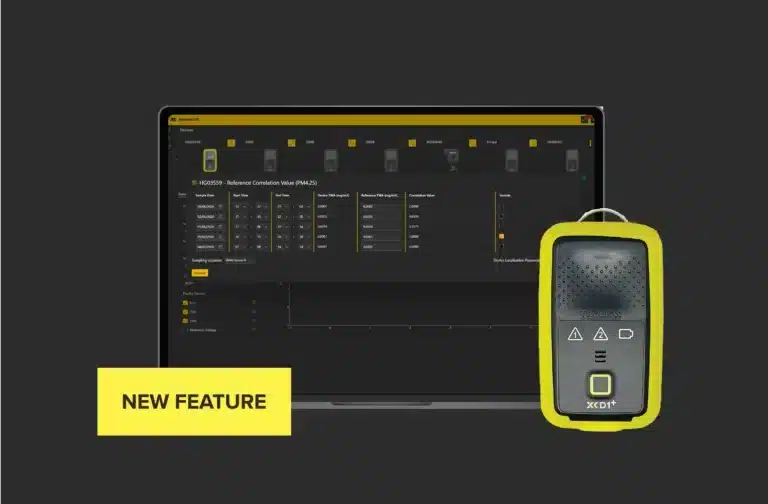
BreatheLITE is the software application for configuring, monitoring, and analysing data from the XD1+ Personal Dust Monitor. The application provides the following features: 

  • Device Configuration: For setting up and configuring your XD1+ device. 
  • Real Time Monitoring: To view live data streams from all connected XD1+ devices. 
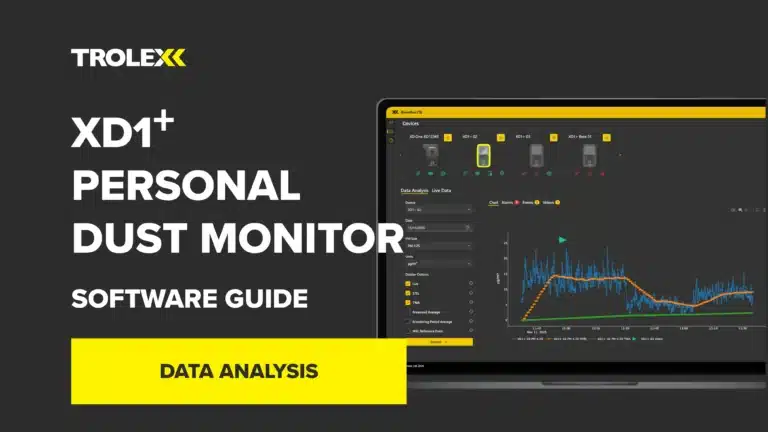
  • Historical Data Analysis: Where you can access and analyse past data records. 
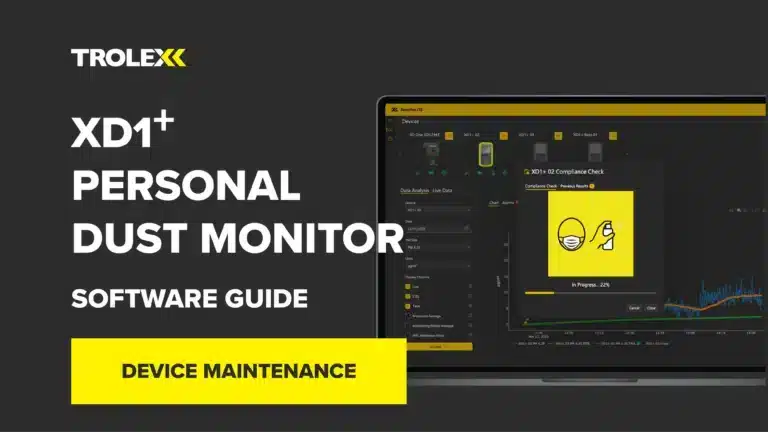
  • Compliance Testing: To perform checks on XD1+ against industry standards. 
  • Alarm Management: For configuring and monitoring all alarms and events collected by XD1+. 
  • Firmware Updates: When you need to update device firmware directly from the application. 
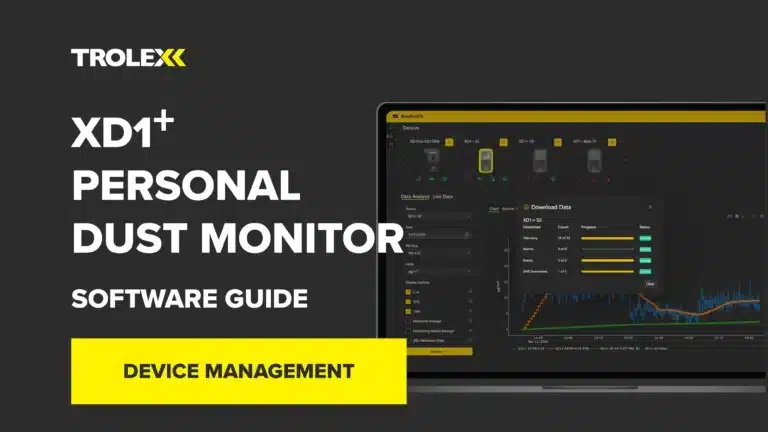
  • Multi-Device Support: For managing multiple XD1+ devices simultaneously. 
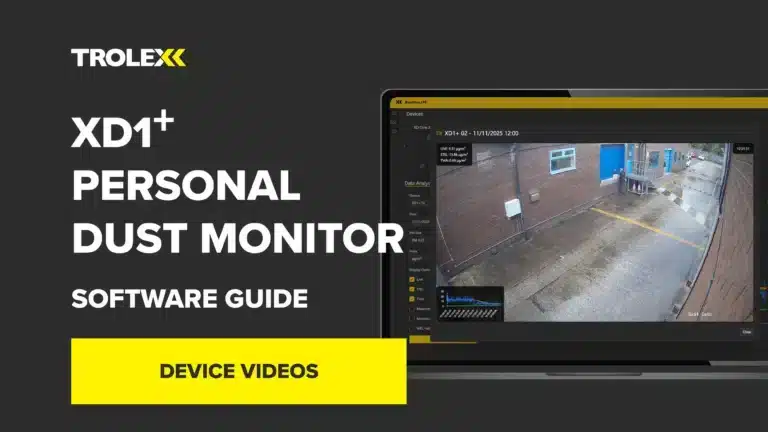
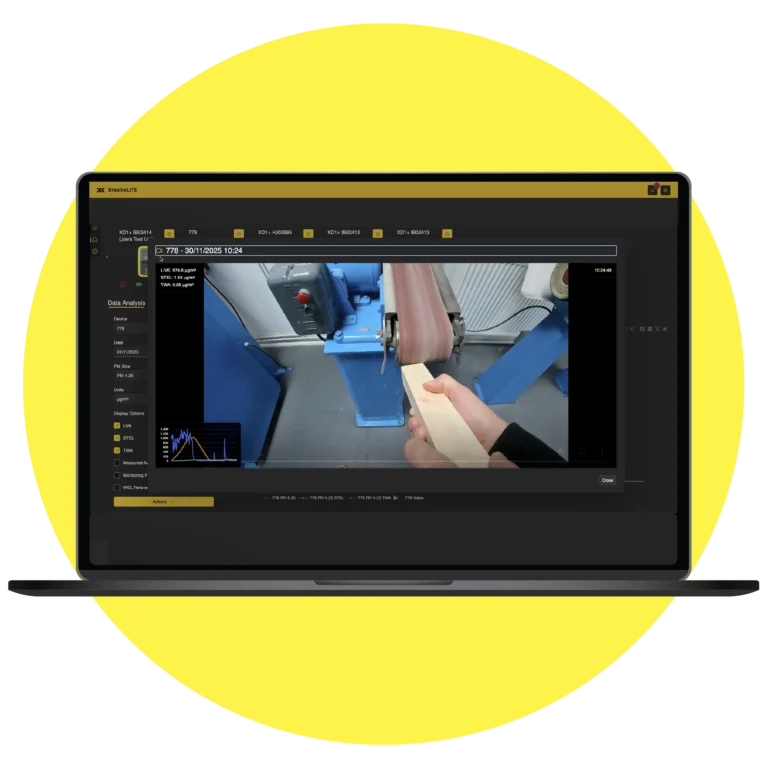
  • Video Support: Where you can import and view any mp4 video files into BreatheLITE. 
BreatheLITE Getting Started tutorial – Software features

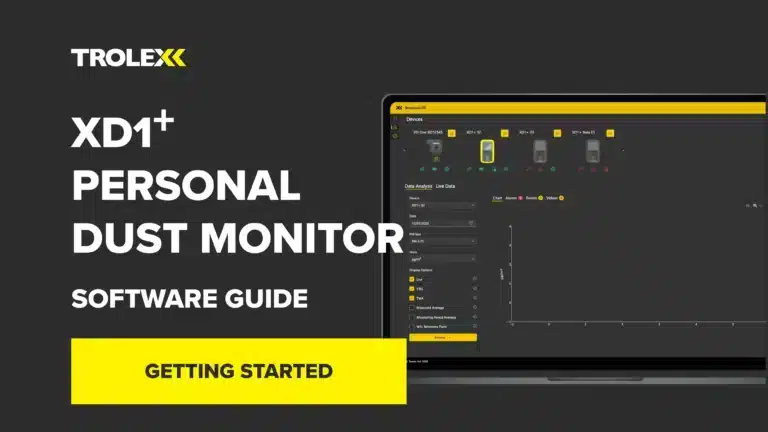
GETTING STARTED WIZARD

When BreatheLITE loads for the first time, a Getting Started Wizard will guide you through the initial setup process. The wizard consists of several steps designed to help you configure the application and help you to get started quickly:

  1. Welcome: A brief welcome message to help you getting BreatheLITE set-up. 
  2. Database Upgrade: If BreatheLITE has been upgraded from a previous version, the wizard will automatically detect and upgrade the database to the latest version. 
  3. Automatic Device Detection: Choose whether to enable automatic device detection when an XD1+ is connected via USB. This feature simplifies the process of connecting and managing devices. 
  4. Automatic Data Download: You can also enable Automatic Data Download from connected devices. This feature allows BreatheLITE to automatically retrieve data from devices whenever they’re connected, ensuring that you always have the latest information available. 
  5. Check for Device Updates: Choose whether to enable automatic firmware updates for connected devices (recommended). This feature ensures that your devices are always running the latest firmware version, which can include important bug fixes and new features. 
  6. Compliance Checks: To keep your devices running optimally, we require that you run a compliance check every 90 days.  
  7. Get Started: Once all the previous steps have been completed, the Getting Started Wizard will display a completion screen. You can now start using BreatheLITE to manage and monitor your XD1+ device. 
BreatheLITE Getting Started tutorial: Setup wizard

SEE MORE RESOURCES

AIR X PARTICULATE MONITORING

Image of TX8061 XD1+ Personal Dust Monitor
TX8061 XD1+ Personal Dust Monitor

Image of AIR X Software
AIR X Software

Image of TX8005 AIR XD Dust Monitor
TX8005 AIR XD Dust Monitor

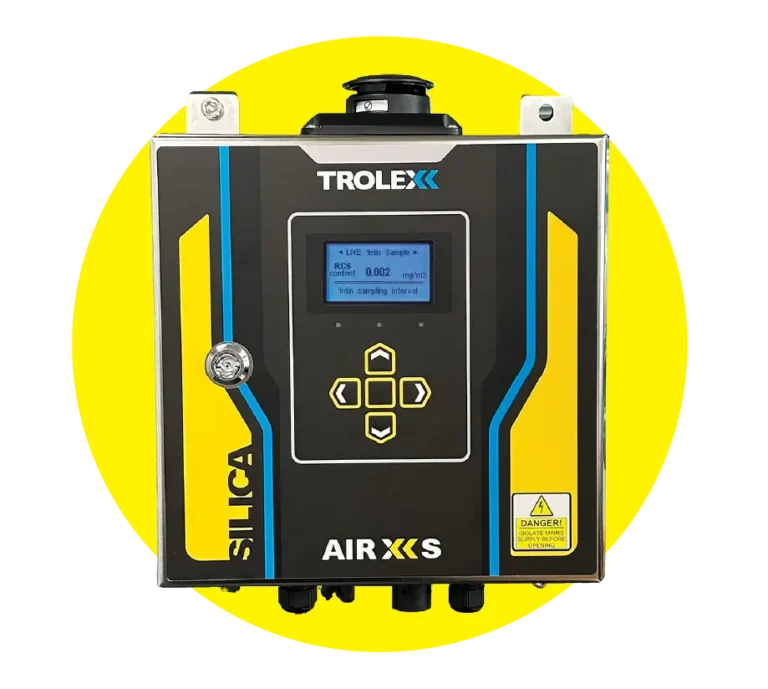
Image of TX8100 AIR XS Silica Monitor
TX8100 AIR XS Silica Monitor

AIR X NEWS + CASE STUDIES

GET AIR X NEWS + UPDATES

    You may unsubscribe from these communications at any time. For more information on how to unsubscribe, our privacy practices, and how we are committed to protecting and respecting your privacy, please review our Privacy Policy.